What Is MCP?
On this page8 items
In 10 seconds
A common set of rules for connecting AI to outside systems.
The official analogy is “USB-C for AI.” Once there’s one way to connect, things get easier for both the people building and the people using.
In No. 20 of Chapter 3, we talked about giving Claude tools. MCP is the standard for how those tools are handed over.
Why a standard was needed#
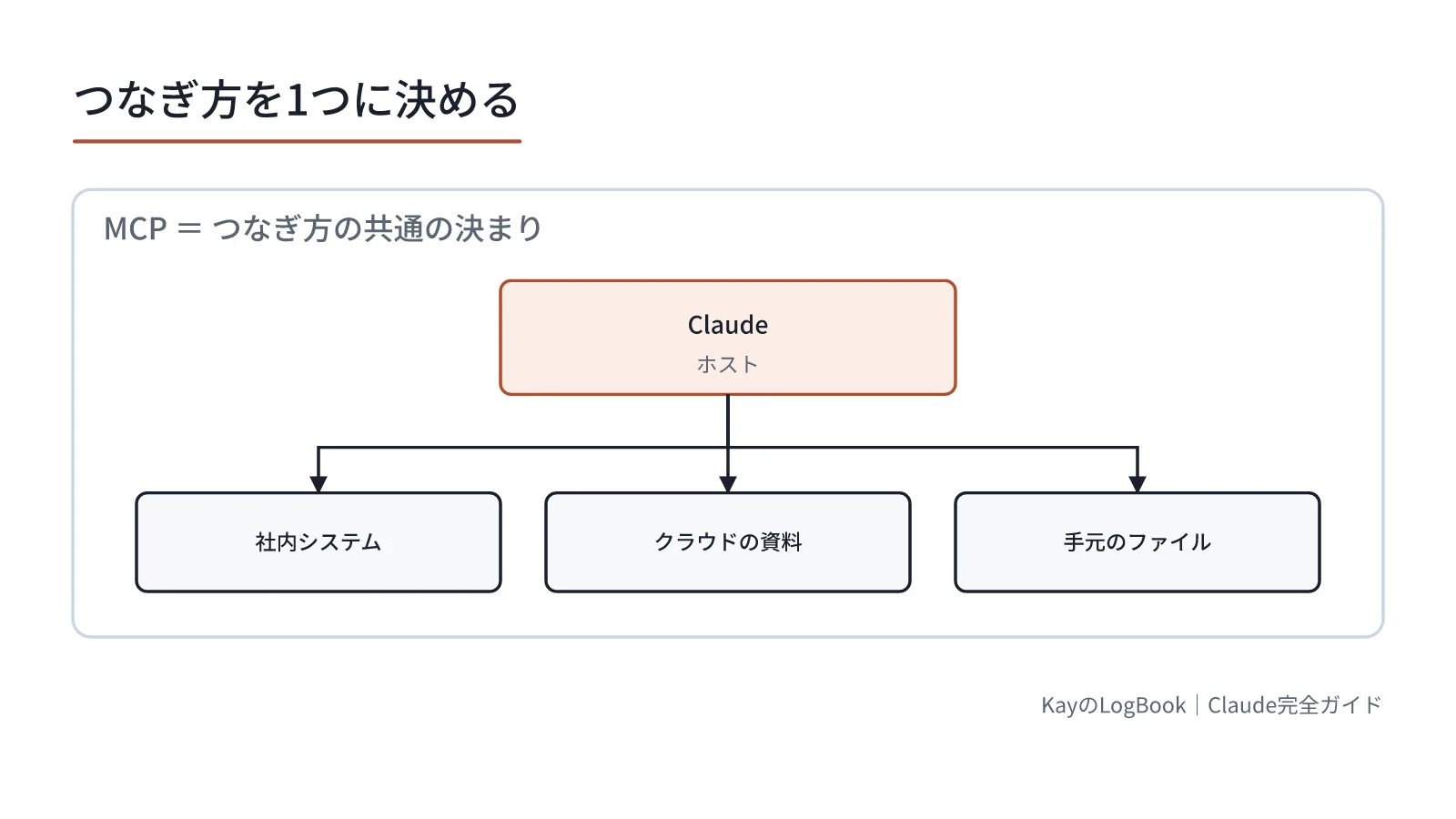
It’s easiest to understand by imagining a world without a standard.
Say there are 5 AI apps and 10 services you want to connect. If each uses its own way of connecting, you need 50 implementations. Each service builds for each of the 5 AIs, and each AI builds for each of the 10 services.
Settle on one way to connect, and 15 is enough. A service builds once and can be used from every AI; an AI adds support once and connects to every service.
That’s what the official “USB-C for AI” analogy means. USB-C, too, replaced a world where every device had its own connector with a single cable.
MCP is an open standard, not something exclusive to Claude. ChatGPT, VS Code, Cursor and others support it as well. The advantage is that you build once and can use it anywhere.
Three participants#
This is how the official documentation organizes it.
| Role | |
|---|---|
| Host | The AI app itself (Claude Code, Claude Desktop, VS Code, etc.) |
| Client | A component that maintains the connection, one created per server |
| Server | The program that actually provides data and tools |
A server is a server wherever it runs. Ones running on your own computer (such as the filesystem server Claude Desktop launches) and ones running on a remote service (such as Sentry’s server) are equally “MCP servers.”
The three things a server can provide#
This is the heart of MCP. A server can offer three kinds of things.
Tools. Functions that can be executed: operating on files, calling APIs, querying databases. Things the AI calls to do something.
Resources. Data that can be read: file contents, database records, API responses. Things the AI reads as material for its decisions.
Prompts. Reusable templates: frequently used instruction patterns, sets of examples.
The official example is easy to follow, so here it is. A server that connects to a database can offer a tool for running queries, a resource that shows the schema, and a prompt that includes usage examples.
In practice, tools are what you’ll use most. Whether resources and prompts work depends on which client and server you combine.
What’s going on inside#
Internally, requests and responses are exchanged using a mechanism called JSON-RPC. The details are covered in No. 48, but knowing just the flow speeds up your understanding.
- The client asks, “What tools do you have?” (
tools/list) - The server returns a list of tools, with names, descriptions, and argument formats
- Claude calls “this tool, with these arguments” (
tools/call) - The server executes it and returns the result
The pattern from No. 20, Claude only makes the request and something outside does the executing, applies directly. The MCP server is that “outside.”
The same goes for the tool description directly determining accuracy. If the descriptions in the list are vague, Claude can’t judge when it should call them.
Every connection adds an entry point#
This is the flip side of the benefits. Each connection you add opens one more entry point for text coming in from outside.
The prompt injection described in No. 21 of Chapter 3 becomes a real concern here. If instructions are planted in the text an MCP server returns, Claude will read them.
This is covered in full in No. 50. Convenience and danger stemming from the same property has been a consistent theme since Chapter 3.
Try it: list the places worth connecting (3 minutes)
Prompt
“`
I’ll list the services and systems I use at work. For each one, tell me
what connecting it to Claude would make possible, and rate the value of
connecting it as “high,” “medium,” or “low.”In your reasons, include both “how much manual work it would save” and
”what risks connecting it would add.”・(4 to 6 services)
“`Expected result: The value is split into three levels, and the risk side is written out too. You’ll see a tendency for read-only services to be high value and low risk.
If it doesn’t work: If everything comes out “high,” it isn’t considering the risk side. Ask again, adding “Can it write?” and “Does information leave to the outside?”
Common pitfalls#
Thinking MCP is a product. It’s a set of rules. The products are the servers, each built by different people.
Thinking that connecting makes it smarter. The more tools there are, the more often it picks the wrong one (No. 20). Only what’s needed for that job.
Worrying too much about the difference between tools and resources. As a user, a distinction like things it calls versus things it reads is enough.
Summary#
- MCP is a common set of rules for connecting. An open standard, not exclusive to Claude
- There are three participants: host, client, server
- Servers can offer tools, resources, and prompts: things to call, things to read, and templates
- Every connection adds an entry point for text coming in from outside